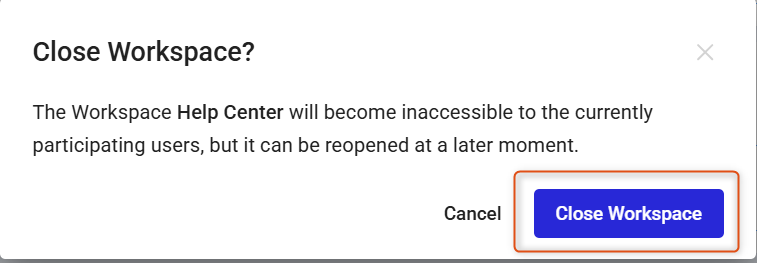
You can close a Workspace when a project has finished, is temporarily on hold, or you no longer need active access to it.
Note: Closed Workspaces can always be reopened at a later time.
To close a Workspace, use the steps below:
1. Click the three dots to the right of the project and select Close Workspace.
2. Confirm the action by clicking on Close Workspace again.